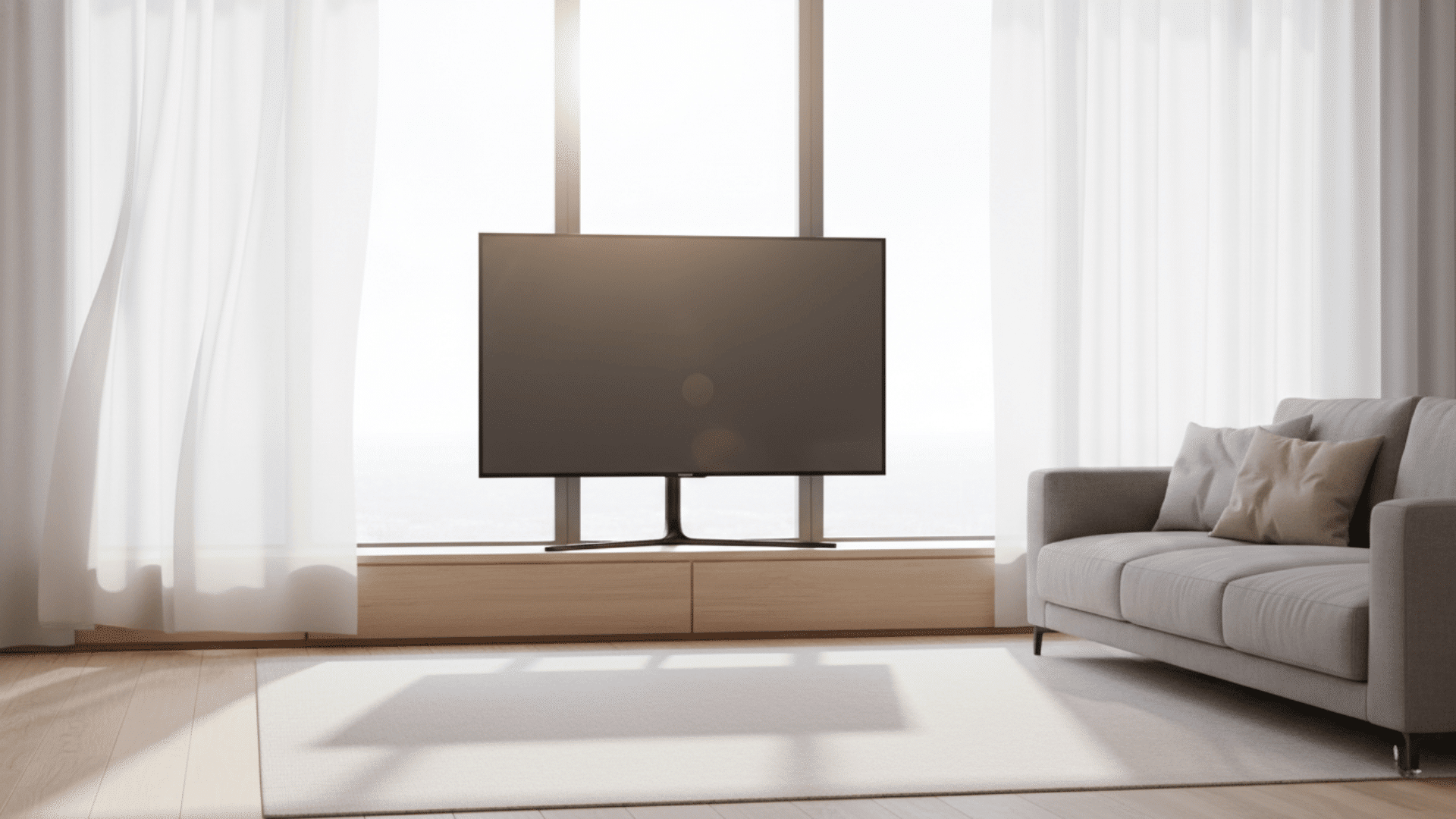
Stuck with a window where your TV should go? You’re not alone. Most homes have that one tricky wall where the layout doesn’t cooperate.
Maybe you’ve got too many doors, a fireplace hogging space, or windows on every side.
Before you give up and awkwardly angle your couch, here’s the truth: putting a TV in front of a window can actually work. It just takes a few smart tweaks.
In this guide, I’ll show you how to beat the glare, nail the height, style it right, and make this setup look like it was always meant to be there.
Can You Put a TV in Front of a Window?
Yes, you can put a TV in front of a window, and it works well for many homes. The key is managing the light.
Consider how much sun your room gets, which direction the window faces, and what type of screen your TV has.
Your seating distance matters too. If you control glare with curtains or blinds and position everything correctly, this setup can look great and work perfectly fine.
Pros and Cons of Putting a TV in Front of a Window
Before you commit to this layout, it helps to know what works and what challenges you might face. Here’s an honest look at both sides.
| Pros | Cons |
|---|---|
| Makes use of limited wall space | Glare and reflection issues |
| Helps center seating | Can block natural light |
| Works well in small rooms | Sunlight may warm the TV |
| Useful in open layouts | Harder to hide cables |
| Creates a good viewing focal point | May look cluttered without styling |
What Is the Best Height for a TV in Front of a Window?
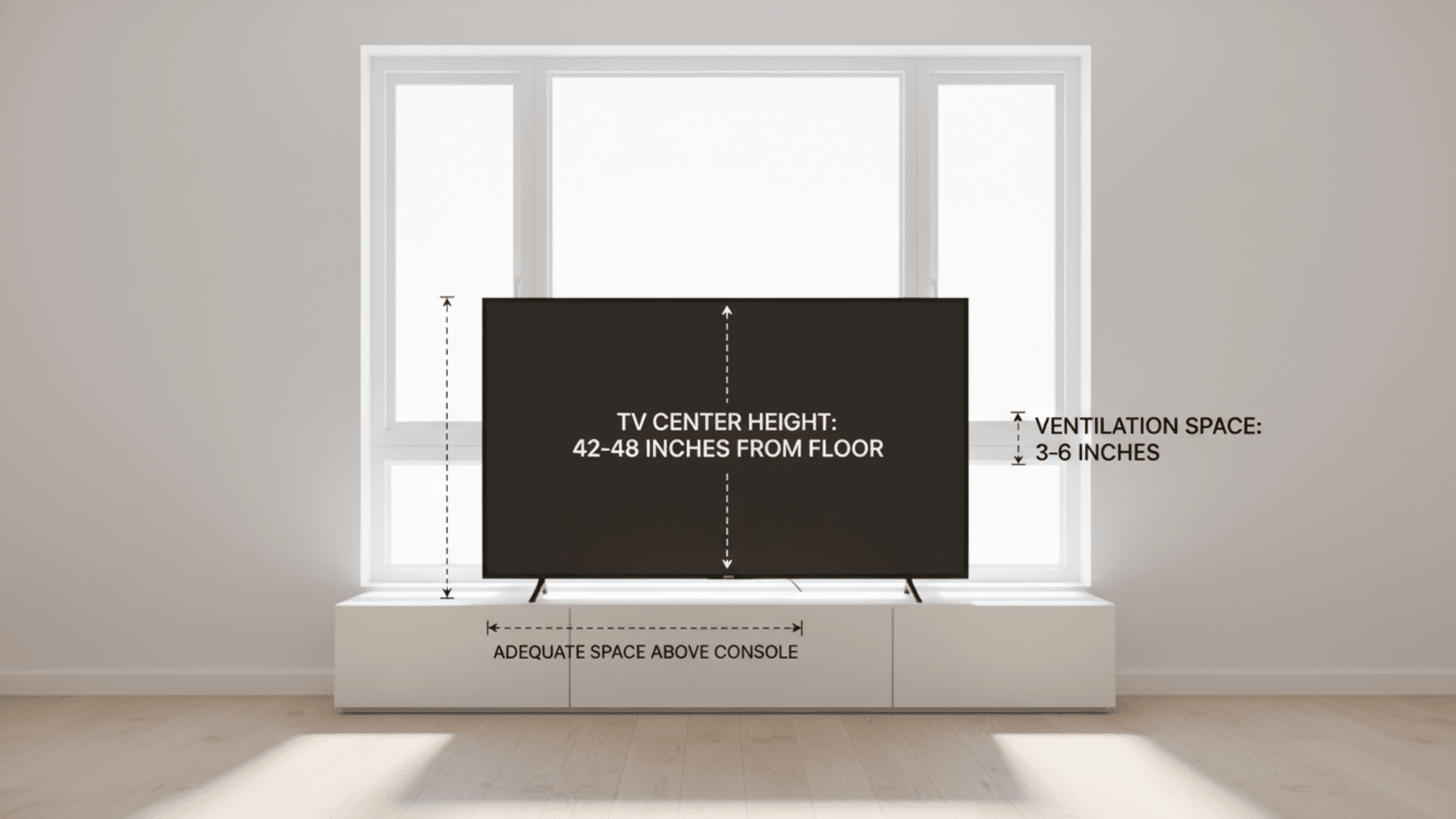
Getting the height right matters for both comfort and looks. Your approach depends on the window size in your home; shorter windows require different positioning than floor-to-ceiling ones.
Ideal TV Height
The center of your TV should be at eye level when seated, typically around 42 to 48 inches from the floor.
If the Window Is Low
- Use a short media console. This keeps the TV lower and prevents blocking too much of the window.
- Choose a slim TV to reduce obstruction. A thinner screen takes up less visual space against the window.
- Consider a tilting mount to angle the TV downward. This improves viewing comfort when the TV is set too high.
If the Window Is Tall
- Mount the TV slightly higher to keep it centered. This balances the overall look and uses the vertical space well.
- Use an articulated arm to adjust viewing angles. These mounts let you tilt and swivel the screen as needed.
- Place solar or blackout shades behind the TV to control light. This reduces glare without sacrificing your ability to see outside.
General Guidelines
- Keep 3 to 6 inches between the TV and the wall or window for ventilation. Electronics need airflow to avoid overheating.
- Leave adequate space between the TV and any console decor. This prevents a cramped look and keeps cables organized.
- Avoid resting the TV directly on the windowsill or frame. Mounting or using a proper console protects both the TV and the window.
A well-positioned TV creates more comfortable viewing and a cleaner-looking setup.
How to Reduce TV Glare in Front of a Window
If glare is your biggest worry, these solutions make a huge difference:
- Blackout Curtains are Perfect for bedrooms and living rooms where you want complete light control.
- Solar Shades reduce glare while allowing some daylight to enter the room.
- Sheer + Blackout Layering is Ideal for flexible lighting that adapts to different times of day.
- Vertical Blinds Angle sunlight away from the screen without blocking all the light.
- Anti-Glare TV Film helps in bright rooms by reducing reflections on the screen.
- Tilt/Swivel Wall Mounts: Angle the screen to reduce reflections and improve viewing comfort.
- Increase TV Brightness: Boost your screen brightness during daylight hours for clearer images.
These strategies help you enjoy clear viewing even when the TV sits in front of a bright window.
Room-by-Room Ideas for TV in Front of a Window
Placing a TV near a window looks different depending on the room you’re designing. Here’s how to make it work in every space.
Living Room
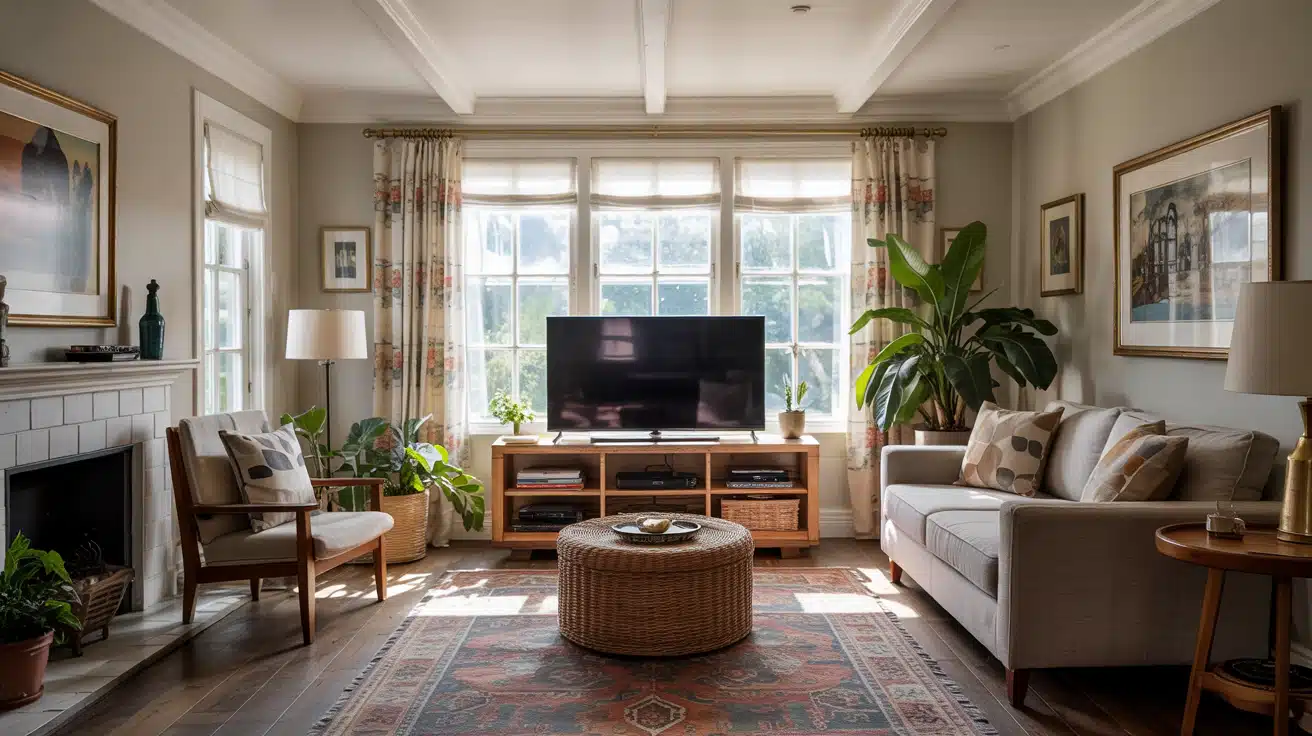
Many living rooms have limited usable walls, making the window spot a practical choice. This setup works best when you balance light control with furniture placement. Focus on creating symmetry and comfortable viewing angles.
Design strategies:
- Use a low-profile console to minimize blocked light
- Add layered curtains to adjust glare throughout the day
- Center the TV within the window frame for cleaner symmetry
- Place the sofa directly opposite for comfortable straight-on viewing
- Use a matte TV screen if the room gets strong light
Bedroom
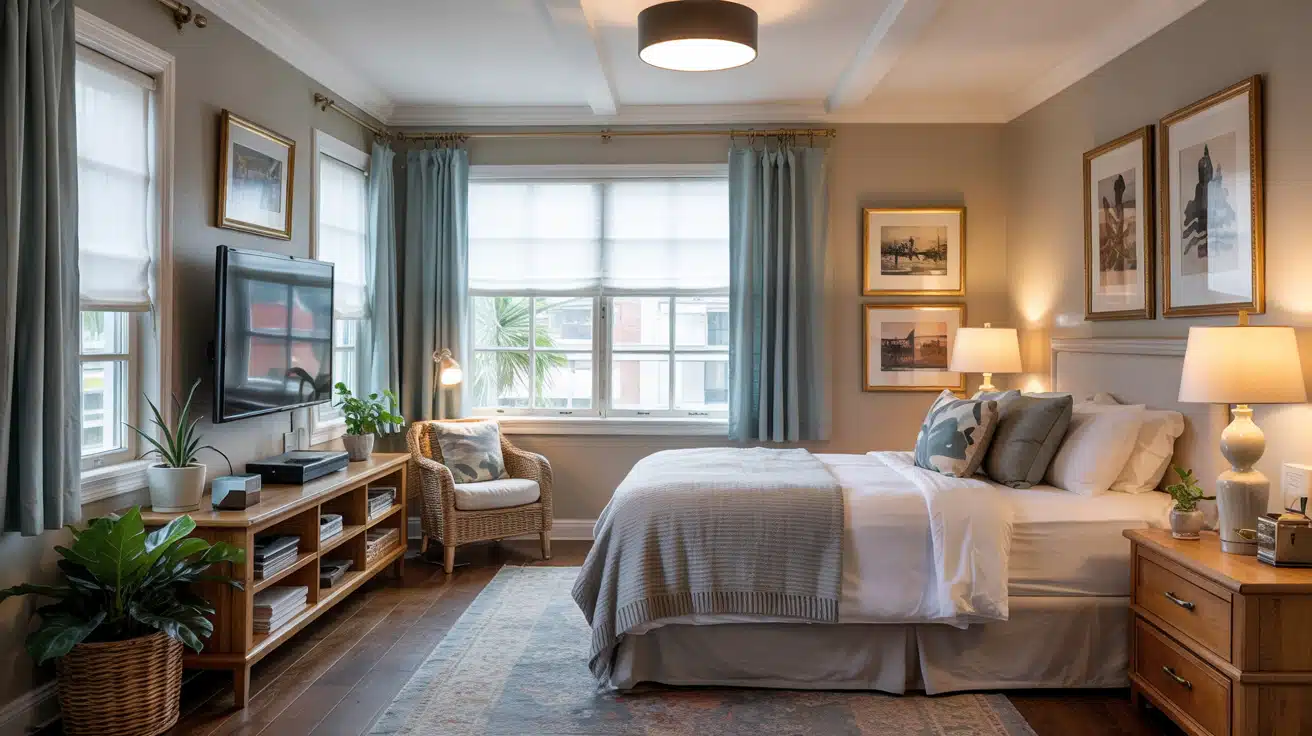
The window wall is often the only available wall in most bedrooms. Mounting your TV here keeps the room layout simple and functional. The key is managing morning light and keeping the setup cozy.
Design strategies:
- Install blackout shades to eliminate morning glare
- Use a floating TV mount to save floor space
- Add soft curtains for a cozy, balanced look
- Choose a Frame TV to blend into the room’s decor
- Keep the console narrow to avoid blocking too much window light
Small Apartment or Studio
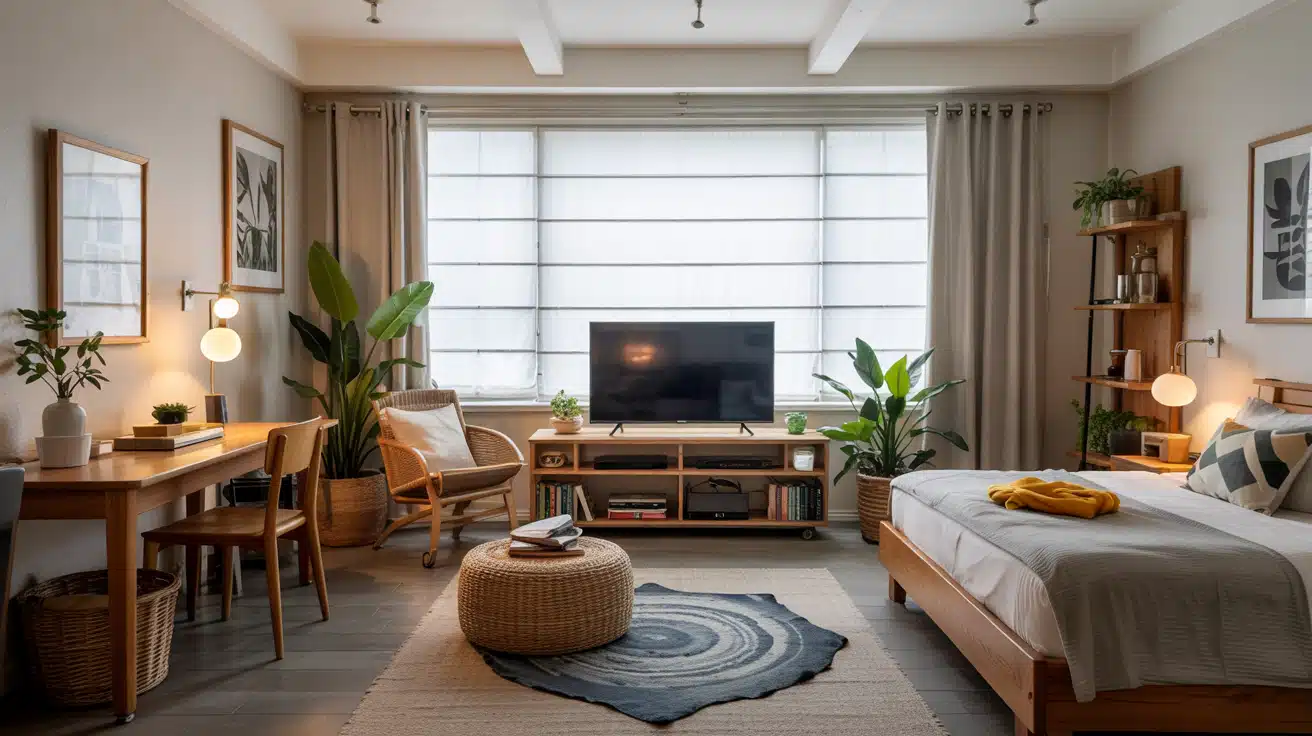
Small spaces benefit from multi-use layouts where every inch counts. A TV in front of the window helps you create zones without adding bulky dividers. Keep everything minimal and flexible.
Design strategies:
- Use a compact rolling stand for flexible placement
- Let the TV act as a zone divider between the living and sleeping areas
- Install roller shades behind the TV to reduce glare
- Keep decor minimal to avoid visual clutter
- Choose a slim TV with clean cable management
Home Office
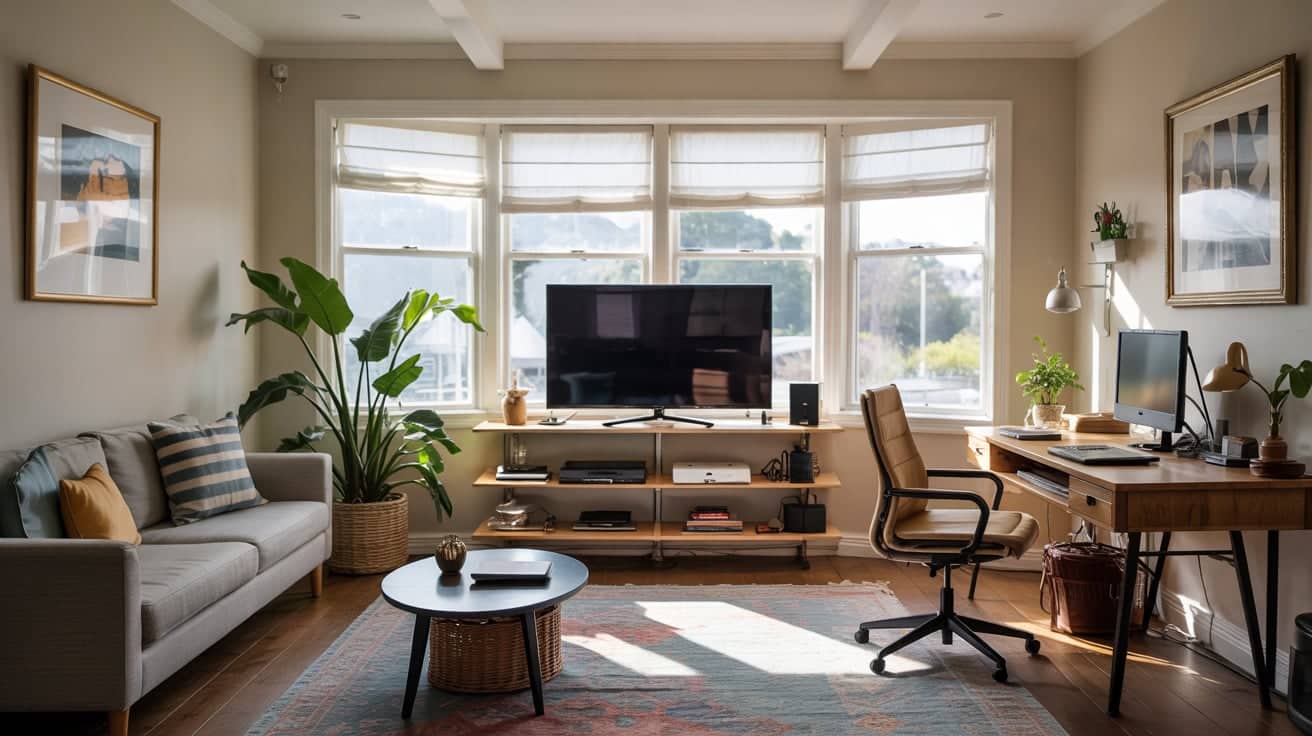
The TV can double as a large monitor for presentations or video calls. Positioning it on the window wall gives you natural front lighting for better video quality. Just make sure you can adjust the light as needed.
Design strategies:
- Position your desk perpendicular to the window TV setup
- Use adjustable blinds to control screen brightness
- Mount the TV slightly higher for presentation use
- Keep the area tidy with a minimal stand or floating shelf
- Take advantage of the natural front lighting for better video call clarity
Dining Room
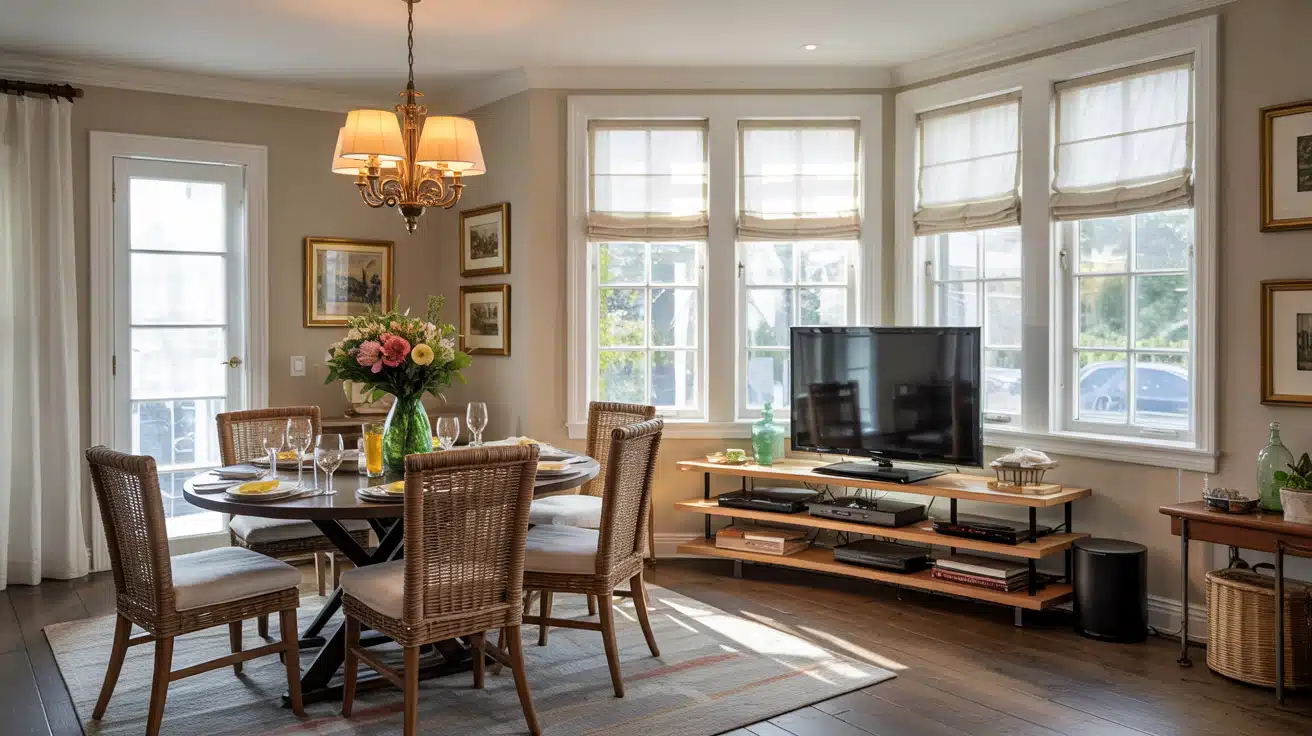
This setup works well in casual dining spaces where you want entertainment during meals. Placing the TV near the window keeps other walls free for storage or artwork. Balance is key here.
Design strategies:
- Use a corner-mounted TV near the window to minimize obstruction
- Install Roman shades behind the TV for glare control
- Match the TV width to the window frame for visual balance
- Add a slim console to keep the area grounded
- Avoid placing the TV directly opposite bright windows
Family Room / Den
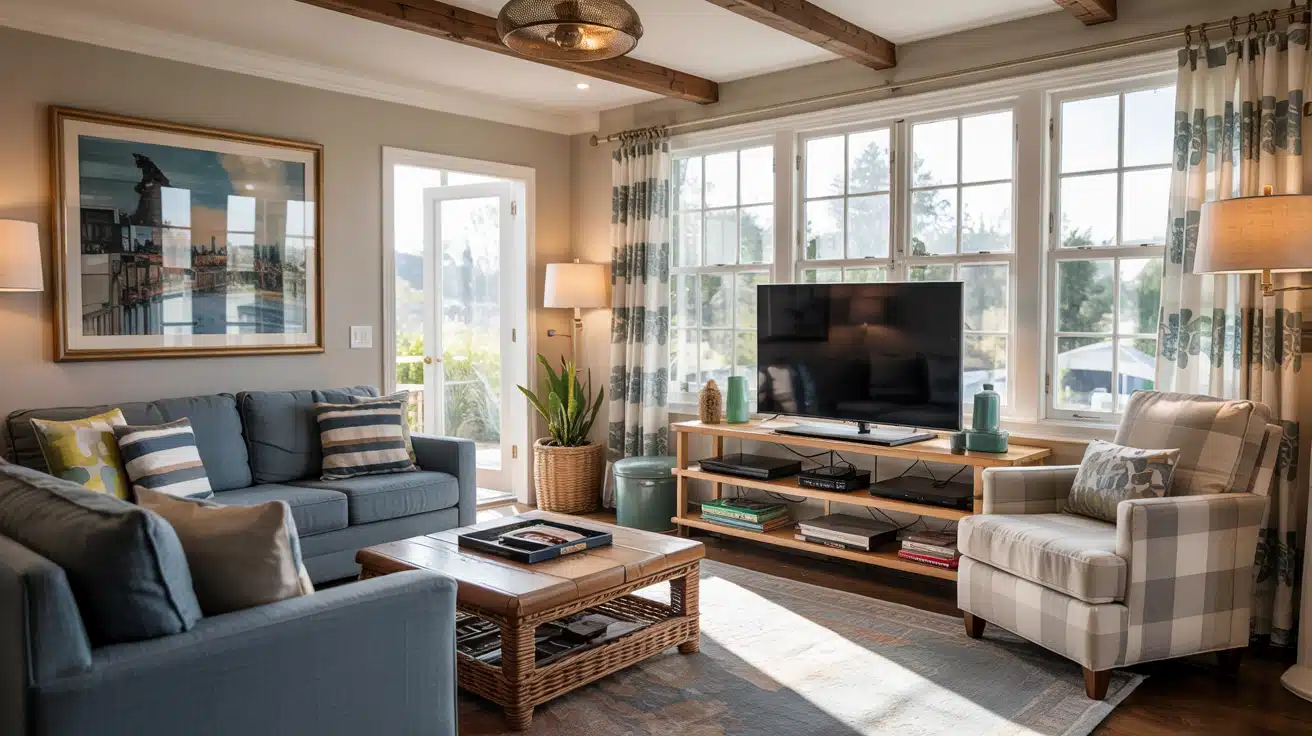
Entertainment-focused rooms can handle creative layout choices without feeling awkward. This is the perfect space to experiment with swivel mounts and flexible seating. Comfort and function come first.
Design strategies:
- Use a swivel arm mount for flexible viewing
- Add curtain panels to soften the tech-heavy look
- Install anti-glare window film
- Place seating so the screen isn’t directly facing sunlight
- Choose durable furniture if it’s a high-traffic area
Basement With Windows
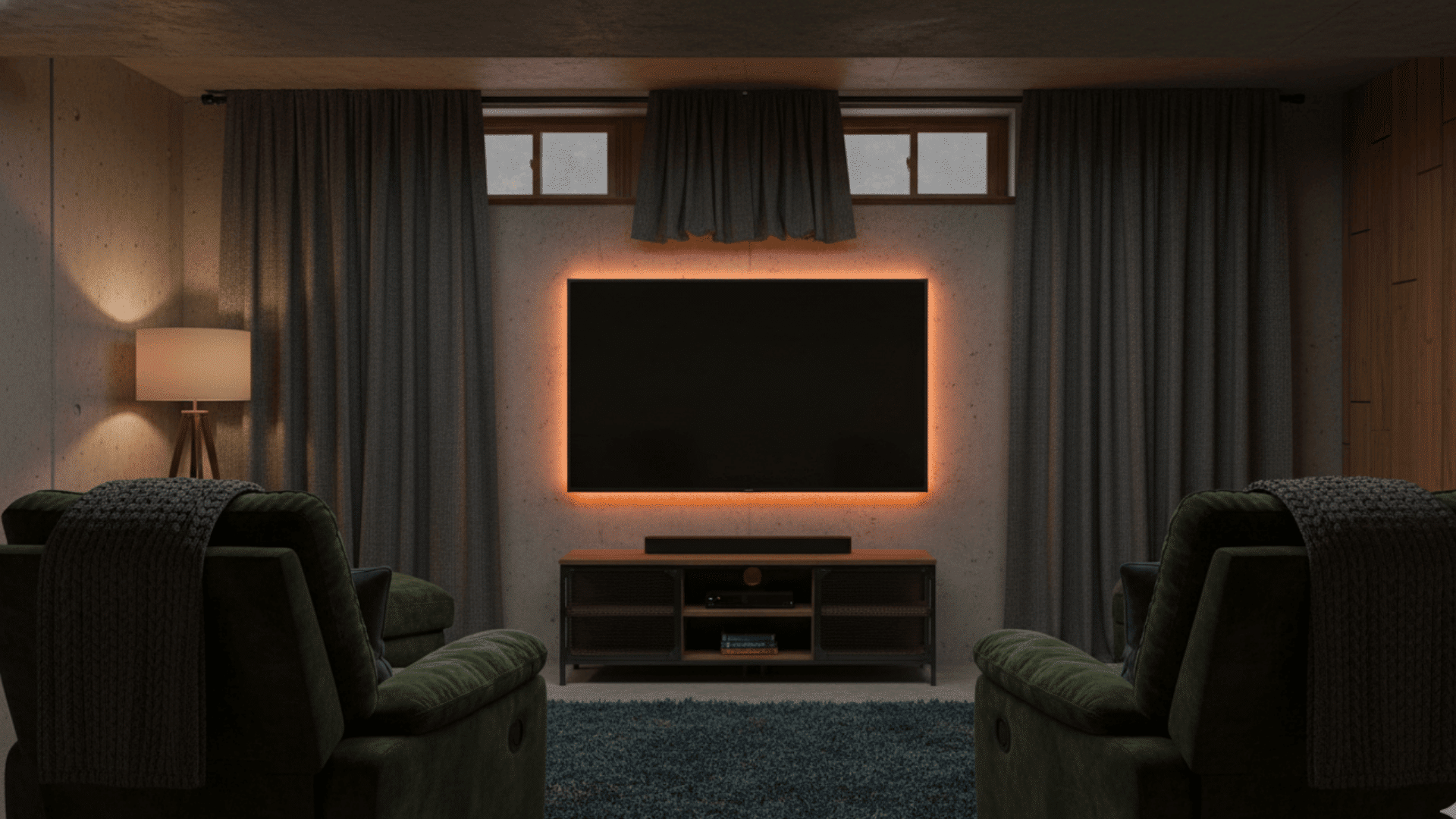
Lower natural light means fewer glare issues, making this one of the easiest placements. You can focus more on creating a cozy viewing space. Lighting control becomes less of a challenge.
Design strategies:
- Take advantage of dimmer lighting conditions
- Mount the TV above the smaller basement windows
- Use blackout curtains to prevent reflections from small light sources
- Add LED backlighting for cinematic vibes
- Use insulated curtains for drafty basements
Attic or Loft Room
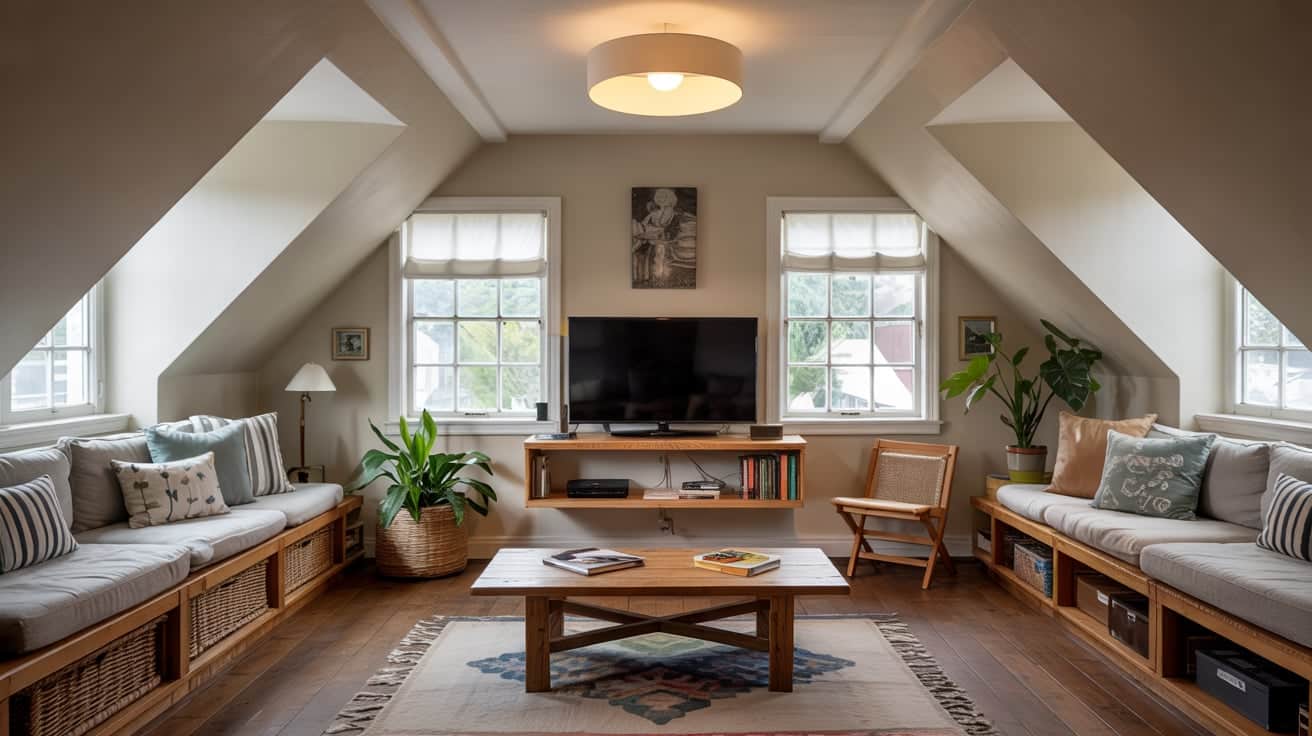
Limited wall height makes window zones more useful in attics and lofts. The sloped ceilings often leave you with few mounting options. Using the window area can actually improve the overall layout.
Design strategies:
- Use the window alcove as a TV nook
- Add blackout blinds for heat control in summer
- Choose a mid-size TV for better scale
- Add a floating shelf below the TV
- Angle seating toward the highest ceiling point
Sunroom or Enclosed Patio
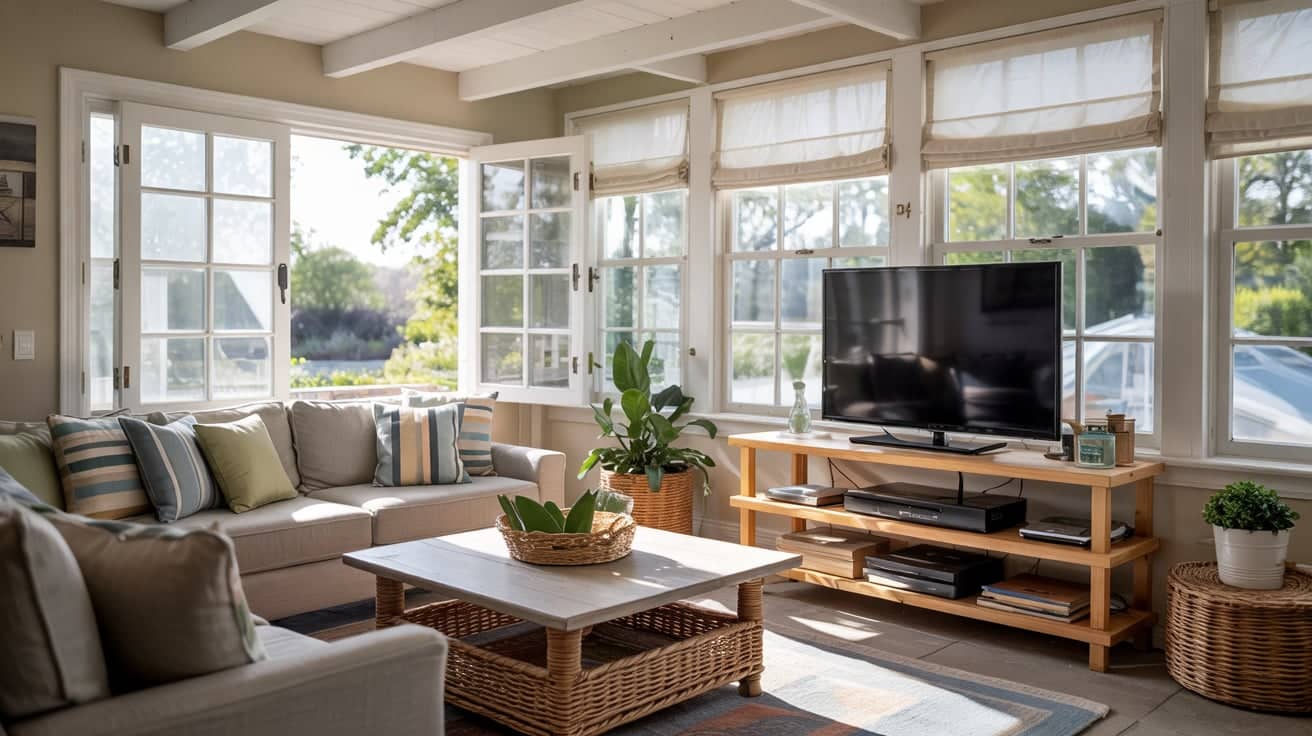
A sunroom can be a casual entertainment space if you manage the light properly. These rooms get the most natural light, so glare control is critical. Choose equipment designed for brighter conditions.
Design strategies:
- Use an anti-glare TV designed for bright rooms
- Install solar shades for light control
- Choose moisture-resistant mounts
- Place the TV behind structural framing for cleaner lines
- Keep electronics away from condensation-prone windows
Alternatives to Putting a TV in Front of a Window
If you’re not sold on this placement, try:
- Corner Wall Mount: Positions the TV at an angle, leaving both walls and windows free.
- Fireplace Mount (if safe): Places the TV above the fireplace for a traditional focal point.
- Recessed Wall Niche: Creates a built-in look that keeps the TV flush with the wall.
- Lift-Up TV Cabinet: Hides the TV inside furniture when not in use.
- Projector and Pull-Down Screen: Eliminates the need for a permanent TV placement entirely.
These options help you maintain your window view while still enjoying optimal TV placement.
What Not to Do: TV in Front of Window Errors
Even a well-planned setup can fail if you overlook a few key details. Here are the most common errors that affect both function and appearance.
| Mistake | Why It’s a Problem |
|---|---|
| Blocking ventilation behind the TV | Causes overheating and shortens the TV’s lifespan |
| Letting cords dangle in front of the window | Creates visual clutter and looks messy |
| Mounting the TV too close to the glass | Increases heat exposure and reflection issues |
| Ignoring direct sunlight exposure | Damages the screen and affects picture quality |
| Using overly heavy curtains that interfere with the TV | Makes it hard to access controls and adjust the screen |
Avoiding these mistakes keeps your setup clean, functional, and safe.
Design Tips for Putting a TV in Front of a Window
Once you’ve decided on this placement, the right design choices make all the difference. Here are five ways to make your setup look polished and work smoothly.
- Use a Low-Profile Media Console. This keeps more of the window visible and prevents a bulky look.
- Frame the TV With Curtains. Hang drapes wide so they soften the look and hide cords.
- Choose Matte Screens. Matte-finished TVs reduce reflections better than glossy screens.
- Hide the cables. Use cord covers, channels, or a console with a built-in management system.
- Use a Floating Mount. A wall-mounted TV creates a lighter look and offers better glare control.
Wrapping It Up
Putting a TV in front of a window isn’t a design mistake anymore. With the right window treatments, proper mounting height, and smart styling, this setup can look intentional and work beautifully.
The key is managing glare and making sure your room layout flows naturally. Small apartments, open layouts, and rooms with limited wall space all benefit from this approach.
Use the tips in this guide to create a viewing area that feels comfortable and fits your lifestyle. Ready to make it happen? Start by measuring your space and choosing the right curtains.
Your perfect setup is closer than you think.
Frequently Asked Questions
Is Window Placement Bad for Feng Shui?
Yes, it can block energy flow. Use plants or mirrors nearby to redirect “chi” and restore balance to the room’s layout.
Can Sunlight Damage My TV Screen?
Prolonged UV exposure causes discoloration and pixel damage. High heat also affects internal components. Use anti-glare films or solar shades for protection.
What Is the “90-Degree Rule”?
Place the TV at a right angle to the window. This prevents light from reflecting directly off the screen or shining into your eyes.
Does Sunlight Increase My Electricity Bill?
Yes. Modern TVs automatically boost brightness to counter glare, consuming more power. Using blackout shades helps keep energy settings lower and more efficient.
How Do I Clean Windows Behind the TV?
Use a swivel mount or a console with heavy-duty casters. This allows you to easily move the TV aside without risking damage to the hardware.